

How To Sell Crypto
So you want to sell some crypto but don’t know where to start? Don’t worry, we're going to show you everything you need to get started in our beginner's guide to selling crypto.
How to sell crypto in four steps
Find a crypto exchange.
Create a sell order.
Withdraw your cash.
Wait for the transaction to process.

1. Find a crypto exchange
Crypto exchanges make selling your crypto easy. If you already have an exchange where you plan to sell your crypto, skip to step two.
If you don’t have an exchange and are transferring directly from a wallet, set up an exchange account. Keep in mind that the process of setting up an exchange account isn't always immediate. This is because you need to have your KYC information checked, such as personal information.
You’ll need to consider a couple of things in terms of your choice.
Fees
Transaction fees are the primary source of revenue for exchanges. They are typically charged on both fiat-crypto trades as well as crypto-crypto trades. If you are detail-oriented, take a look at what kind of fees your exchange offers, as these vary from exchange to exchange.
Viable bank accounts
Another factor to consider is whether the bank account you'd like to withdraw your crypto to is viable on the platform you choose. For example, some platforms do not allow withdrawal to debit cards.
Security
Finally, you need to consider whether the exchange you're using is trustworthy. While the majority of popular centralized crypto exchanges follow best security practices for the storage of crypto assets, all of them are appealing targets to hackers.

2. Create a sell order
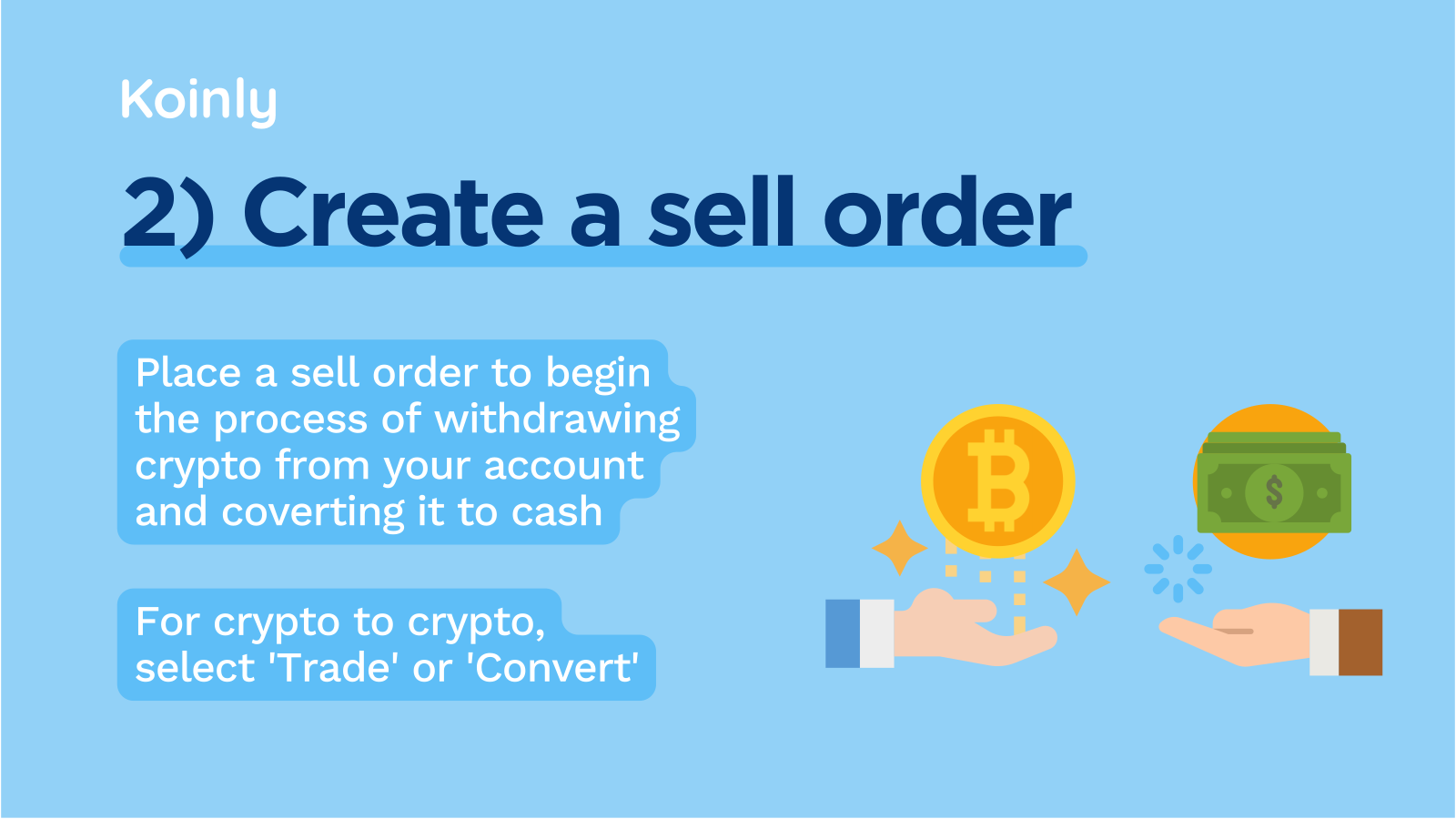
Once your account is created, you can proceed to create a sell order for your crypto holdings. This includes both selling crypto for fiat currency like USD or trading it for another cryptocurrency.
Selling crypto for fiat currency
With your exchange account set up and your crypto deposited on the exchange, it’s time to make the sale. Once you have holdings, selling crypto is incredibly easy to initiate. Here is an example of how it’s done on the popular crypto exchange, Gemini.
On the homepage, select the crypto you’d like to sell some holdings of. Let’s say you choose BTC.
 Next, select the 'Sell' option, and enter the amount of your BTC holdings you’d like to sell. It will show you how much these holdings are worth in your chosen fiat currency.
 After this, examine the order summary and make sure you’re happy with the transaction and the transaction fee. If you’re happy with everything, select confirm.
 Once you select confirm, you will see a box like this pop up. This confirms you have successfully sold your BTC and can now withdraw the amount.

Trading crypto for crypto
The actual process of crypto for crypto trading is very similar to selling. Rather than clicking ‘Sell’, click ‘Convert’; the other steps for creating a sell order are the same.
3. Withdraw your cash
 Now, with your crypto sold and converted into cash on your exchange, it’s time to withdraw. Most exchanges are user-friendly for beginners and make this process very easy for you. First, you need to connect your bank account, which is a case of going to the ‘payment’ method and requesting certain bank accounts for withdrawal.
Once you’ve done this, and you’re ready to withdraw, select the relevant option in the top menu. This differs between exchanges, but will be something like ‘Withdraw’.
For example, in Gemini, click ‘Transfer’ and you’ll get a drop-down that allows you to ‘Withdraw from Gemini’.
 Next, click 'Withdraw’ and choose the currency you’d like to convert.
 After this, select the destination you want your funds to transfer to, namely, your bank account. You will have needed to connect this earlier, which is as easy as filling in the relevant details.
 You don’t have to withdraw all of the crypto you sold in case you want to reinvest it later. So, at that point, enter the amount that you’d like to withdraw in your fiat currency.
 Finally, request the exchange for withdrawal. Once you press this, you will see a confirmation that says you should expect to see the money in your account within one business day.

4. Wait for the transaction to process
There is a short holding period before the sale is complete. You can make as many sales during this time as you want, but the transfers won’t finish until their holding period is over. Gemini, for example, states that ‘withdrawals via bank transfer take place within one business day’.
If you don’t see cash in your account within a couple of days, contact your exchange. Most reliable exchanges have decent customer service, so don’t hesitate to talk to them if you have any questions.

Which is the best platform to sell crypto?
There are many factors that you need to consider when choosing the right exchange to sell your crypto on. Rather than going into them here, check our extensive guides here:
Is selling cryptocurrency taxed?
Yes, provided you’re gaining over the threshold for your nation, you'll pay tax when you sell cryptocurrency. The amount you pay will vary depending on your income. For more information on crypto tax, check out our crypto tax guides, including ones for your specific nation.
How Koinly can help you with crypto taxes
It's crucial you keep records of your crypto transactions and withdrawals so you can keep a detailed account. This makes sure you can accurately calculate your crypto gains and losses later on.
Koinly is a crypto tax tool that calculates your crypto taxes for you, meaning you don’t have to go through the hassle of doing it yourself.



